You say what you need. The Buyer handles the rest inside Fishbowl.
The Buyer Assistant creates purchase orders, selects suppliers, manages blanket POs, and tracks deliveries. All inside Fishbowl Advanced. You talk to it in plain language. It drafts the work. You confirm before anything changes.
Issue a PO in 5 steps, not 50 clicks
Simply ask for what you need
Tell the Buyer Assistant in plain language: "Buy 5 lasers," "Reorder the Q2 packaging materials," or "Set up a blanket PO for LED drivers, 50 per month through October." No forms, no screens, no menu navigation.
Buyer Assistant checks your data
The assistant looks up the part in Fishbowl, finds your preferred supplier, pulls the last price you paid, checks your default receiving location, and identifies related items you typically order together. Everything comes from your Fishbowl Advanced data. Nothing is guessed.
Review your draft PO
The Buyer presents a complete PO draft: parts, quantities, supplier, unit pricing, delivery location. If anything looks off, you tell it what to change before anything is created.
Confirm and create
You approve the PO. Buyer Assistant creates it in Fishbowl Advanced. The PO number, status, and all line items are written directly to your Fishbowl database. Nothing happens until you say so.
Issue and track
Buyer Assistant generates a PDF and sends it to the supplier. As deliveries arrive and are received in Fishbowl, the assistant tracks what's outstanding and flags late or partial shipments.
Every recommendation comes from your data in Fishbowl Advanced.
Preferred suppliers
Knows your default vendor for every part, with fallback alternatives.
Pricing history
Uses your last-paid price. No guessing, no external benchmarks.
BOMs and related parts
Suggests items you typically order together based on your bill of materials.
Inventory levels
Checks current stock before recommending quantities.
Receiving locations
Defaults to the right warehouse or location per your Fishbowl config.
Open POs
Knows what's already on order so you don't double-buy.
The purchasing workflows your shop actually runs.
Blanket POs
Set up recurring orders with scheduled quantities across multiple months. "50 LED drivers per month, February through August." The Buyer creates the blanket PO with all scheduled releases in Fishbowl.
Multi-line POs
Order multiple parts from the same supplier in one PO. The Buyer groups line items, applies per-part pricing, and handles mixed quantities.
Reorders
"Reorder what we bought last time from Allied Industrial." The Buyer pulls the previous PO, updates quantities if you ask, and drafts a new one.
Supplier exceptions
If your preferred vendor is flagged or if pricing has changed since your last order, the Buyer tells you before you confirm. No surprises after the PO is issued.
PO issuance
Generate a PDF and email it to the supplier directly. The Buyer handles the document and the delivery. You don't touch Fishbowl's print/email workflow.
Delivery tracking
Once a PO is issued, the Buyer monitors receiving in Fishbowl. Late shipments and partial receipts are flagged so you can follow up with the supplier.
36 of 47 procurement workflows. Live today.
Everything the Buyer Assistant handles right now, from vendor setup to exception monitoring. The remaining 11 are in development and ship to early access members automatically.
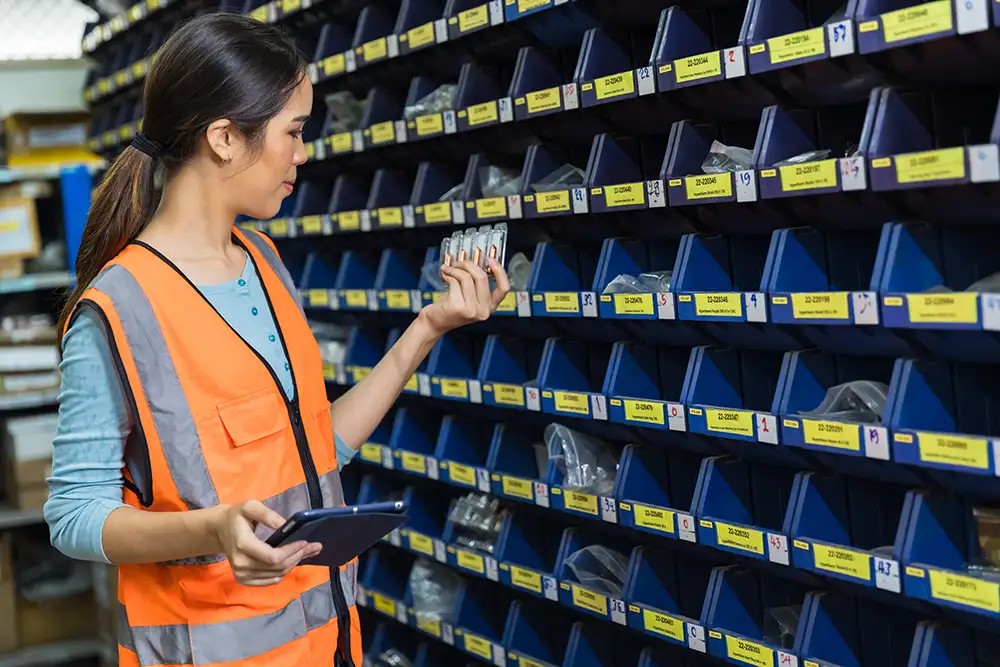
Vendor Management
Find any vendor in seconds. Edit records, associate parts with vendor-specific pricing and lead times, and set up volume-based cost rules. The assistant knows your vendor catalog and helps you maintain it without opening a single form.

Purchase Order Creation
Build a complete PO through conversation. Create from scratch or import via CSV. Set vendors, payment terms, shipping details, and carrier info. Add, edit, reorder, or remove line items, all with Fishbowl’s business rules enforced automatically.

Approvals & Issuance
Route POs for approval when they exceed your threshold, check where a PO sits in the approval chain, and issue directly to vendors. The assistant understands your approval workflow and guides you to the right next step.
PO Lifecycle
Manage every stage from draft to close. Unissue a PO that needs corrections, void one that is no longer needed, or close short when remaining items will not arrive. The assistant enforces the rules so you do not accidentally void a PO with unreversed receipts or delete one that has been issued.

Search, Status & Reporting
Find any PO by vendor, buyer, status, date range, or location group. Check fulfillment progress at a glance. Export to PDF or CSV. Run reports across open orders, purchasing history, and reconciliation without leaving the conversation.

Exception Monitoring
Stop chasing spreadsheets. The assistant surfaces late POs, overdue line items, and partial receipts that still need attention. Ask a question, get an answer, take action.
On the Roadmap
Blanket POs with scheduled releases. Vendor performance rankings and late delivery trend analysis. Multi-currency support with exchange rate reconciliation. AI-driven recommendations for blanket PO candidates. These capabilities are in development and will be added to the Buyer Assistant automatically for all early access members.
See all coming assistants →The Buyer stays in its lane.
How the Buyer fits with other Fishbowl AI.
Fishbowl's own Juno AI runs on the new cloud Fishbowl platform for QuickBooks and Xero users. Like the Buyer Assistant, Juno does real operational work, but it isn't available on Fishbowl Advanced. The Buyer Assistant is the AI option for Fishbowl Advanced.
Fishbowl AI Insights is available on Fishbowl Advanced and answers reporting questions about your data. The Buyer Assistant executes the work itself: creating POs, managing blanket orders, handling approvals, monitoring exceptions. Many teams will use both.
Buyer is the starting point. Not the finish line.
Planner arrives June 2026. Manufacturing Manager, Business Analyst, and Assembler arrive summer 2026. Early access members get each assistant added automatically as it ships.
See the Buyer Assistant handle your purchasing workflow.
Get free access to the Buyer Assistant now. No commitment, no credit card, no IT project required.